Install recipe and floor cues for Pop-Up Retail Cubes.
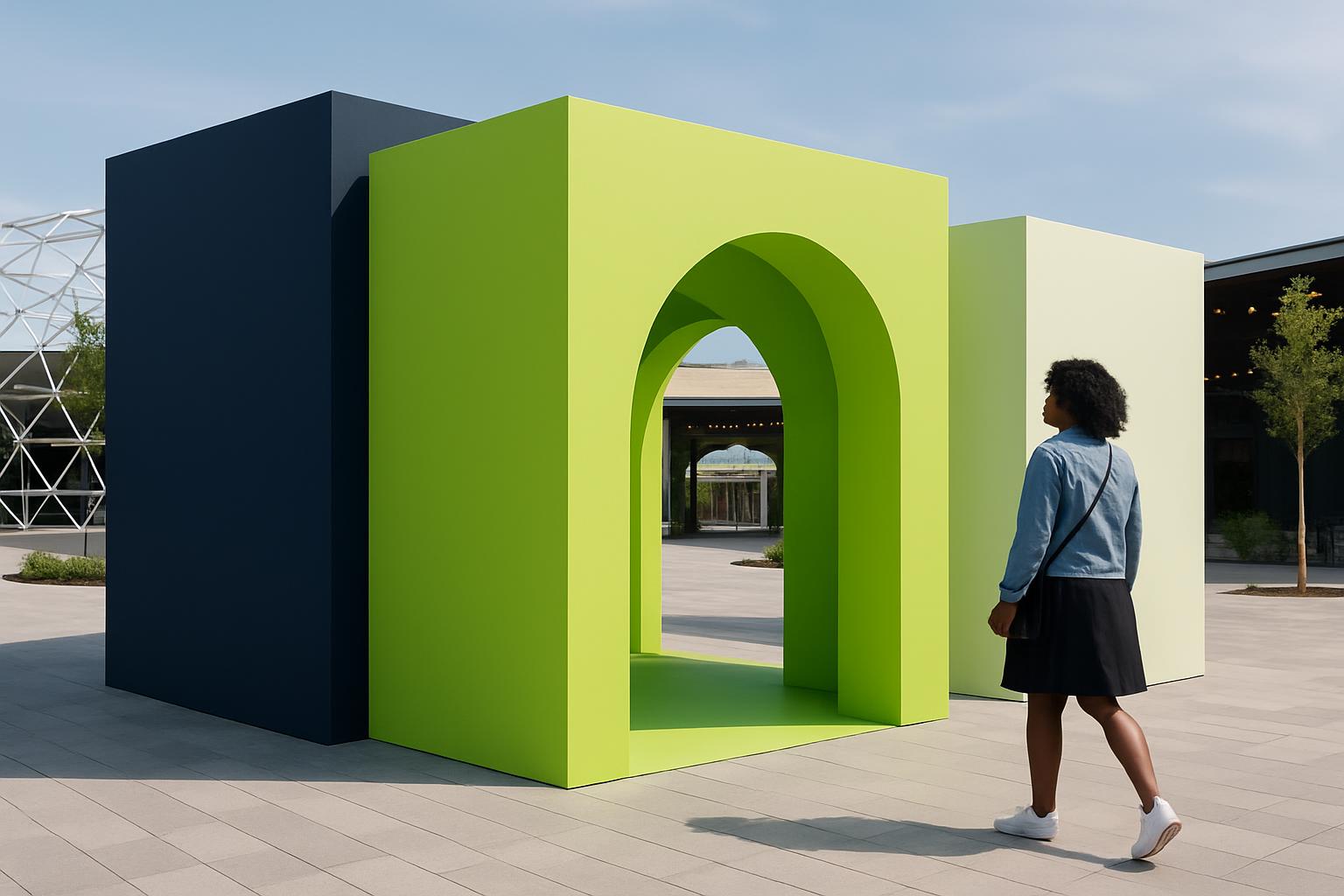
| Modules | stackable |
|---|---|
| Skin | print / panel |
| Queue | rail kit |
| Ideal for | Malls |
| Lead | National |
| Care | Locks + skins |
For Pop-Up Retail Cubes install, use the contact form with the venue, cube count, and problem note first. That lets us frame the right install pack around mall access windows, ballast needs, branding skins, and queue rails instead of sending a generic cube list.
Use dispatch notes for travel timing and builds for how the modules pin, skin, and lock together before doors.
Pop-up retail cubes usually slip on the same points in South Africa: access windows shrink, branding lands late, and queue rails get treated as an afterthought. The Pop-Up Retail Cubes install is written for that reality. It covers module order, skin handling, ballast calls for windy forecourts, and the checks that matter when a mall gives you a narrow night shift and patchy power.
Start with a one-sentence note on the main problem. If the problem is wind, we keep ballast and cut-off on the same brief. If the problem is dust, we publish the seal card. If the problem is queue psychology, we put lane notes next to the brand moment. Pop-Up Retail Cubes assumes Highveld dust, coastal wind, mall ops windows, and load-shedding, not a fantasy clean-power stage.
Run one inspection after trading lights change and the centre quiets down. Cube edges, printed skins, locks, and queue rails read differently once shoppers clear and security takes over. Leave a short handover note through the contact form if Sandton, Canal Walk, or a roadside launch site needs a second crew to pick up the morning call without guessing what changed.
You get a tight install sheet for module placement, skin sequence, lock points, and queue rail layout. There is also a venue-facing note for goods lifts, loading bay timings, waste removal, and overnight storage of spare panels. We keep the wording plain, with South African venue names and timings that fit Gauteng malls, coastal promenades, and inland festival retail zones.
Match the cube install to the venue playbook before adding promo stock, POS screens, or extra queue hardware. A cube run in Menlyn, Gateway, or Fourways changes with loading dock distance, security sign-in, and where customers naturally bunch. When you use our contact form, send the main problem, city, module count, and whether you need install, care, or both so the note starts in the right place.
The install assumes Highveld dust on panels, Cape wind pushing light structures, and retail centres that only release the work area after late trading. It also assumes power interruptions can interrupt testing of screens, lights, or card devices inside the cube set. The install notes do not replace centre management rules, fire sign-off, or a safety file, but they do narrow the miss points before specialists step in.
Shared crews often arrive with mixed hardware tubs, half-charged tools, and no spare panel wipes, so the install route here keeps checks short and visual. Queue behaviour matters as much as assembly because a cube activation can jam an aisle long before the brand team notices. If your programme is bigger than a starter page, say whether the run is mall, forecourt, festival retail, or roadshow so the next note can point to the right cube path instead of a generic pack.
Operated by Astros Marketing (Pty) Ltd from 2 Makro Place, Sunnyrock 1401, with reviews at regional appointment suppliers.
Verified Google reviews
Woodstock, Cape Town sits on our contact form route for this install page, alongside the venue name and access brief. Add the centre or festival site, truck height limit, and whether the cubes need overnight lock-up so the install notes match the site conditions.